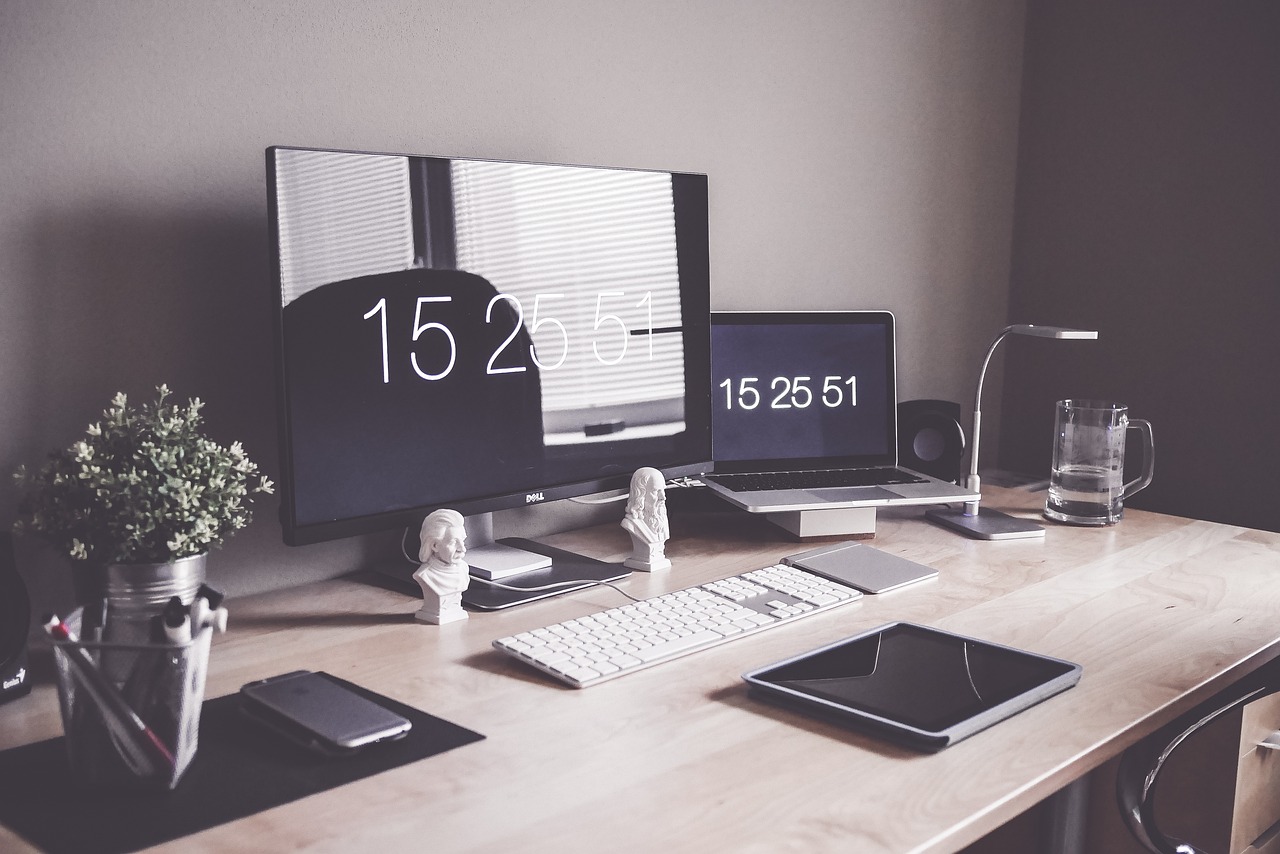
Invest in a Good Desk and Chair: Since you’ll be spending a lot of time sitting, prioritize ergonomics. Look for a desk and chair that support proper posture and reduce strain on your back and neck.
Dual Monitors or Ultra-Wide Screen: Increase your screen real estate for multitasking by adding a second monitor or investing in an ultra-wide screen. This setup allows you to have multiple windows open simultaneously without cluttering your workspace.
High-Speed Internet Connection: A reliable and fast internet connection is essential for seamless communication, video conferencing, and accessing cloud-based applications. Consider upgrading your internet plan if needed.
Noise-Canceling Headphones: Block out distractions and improve focus with noise-canceling headphones. They are particularly useful if you live in a noisy environment or share your space with others.
External Keyboard and Mouse: Enhance comfort and efficiency by using an external keyboard and mouse instead of relying solely on your laptop’s built-in peripherals. Look for ergonomic designs that reduce strain on your wrists.
Adjustable Desk Accessories: Consider adding adjustable desk accessories such as monitor stands, keyboard trays, and laptop risers to customize your workspace and maintain proper ergonomics. (Best Tech Tips for Remote Workers)
Task Lighting: Proper lighting is crucial for reducing eye strain and boosting productivity. Invest in task lighting solutions such as desk lamps or LED lights that can be adjusted to your preference.
Quality Webcam and Microphone: Ensure clear video and audio during virtual meetings by using a high-quality webcam and microphone. Built-in laptop components may not always offer the best audio and video quality.
Backup Power Supply: Protect your work from unexpected power outages or surges by using a UPS (Uninterruptible Power Supply). This device provides backup power and surge protection for your electronic equipment. (Best Tech Tips for Remote Workers)
Organizational Tools and Software: Streamline your workflow and stay organized with project management tools, communication platforms, and productivity apps. Examples include Slack, Trello, Asana, and Google Workspace.
Wire Management Solutions: Keep your workspace tidy and free of clutter by using wire management solutions such as cable clips, cable sleeves, or cable trays to organize and conceal cables. (Best Tech Tips for Remote Workers)
Personalize Your Space: Make your home office a pleasant and inspiring environment by adding personal touches such as plants, artwork, or motivational quotes.